最新版的ofo 小黄车的首页小黄人眼睛随重力而转动,感觉有点炫酷,学习一下吧,以...
最新版的ofo 小黄车的首页小黄人眼睛随重力而转动,感觉有点炫酷,学习一下吧,以下代码是在xamarin android下实现
ofo首页效果图: 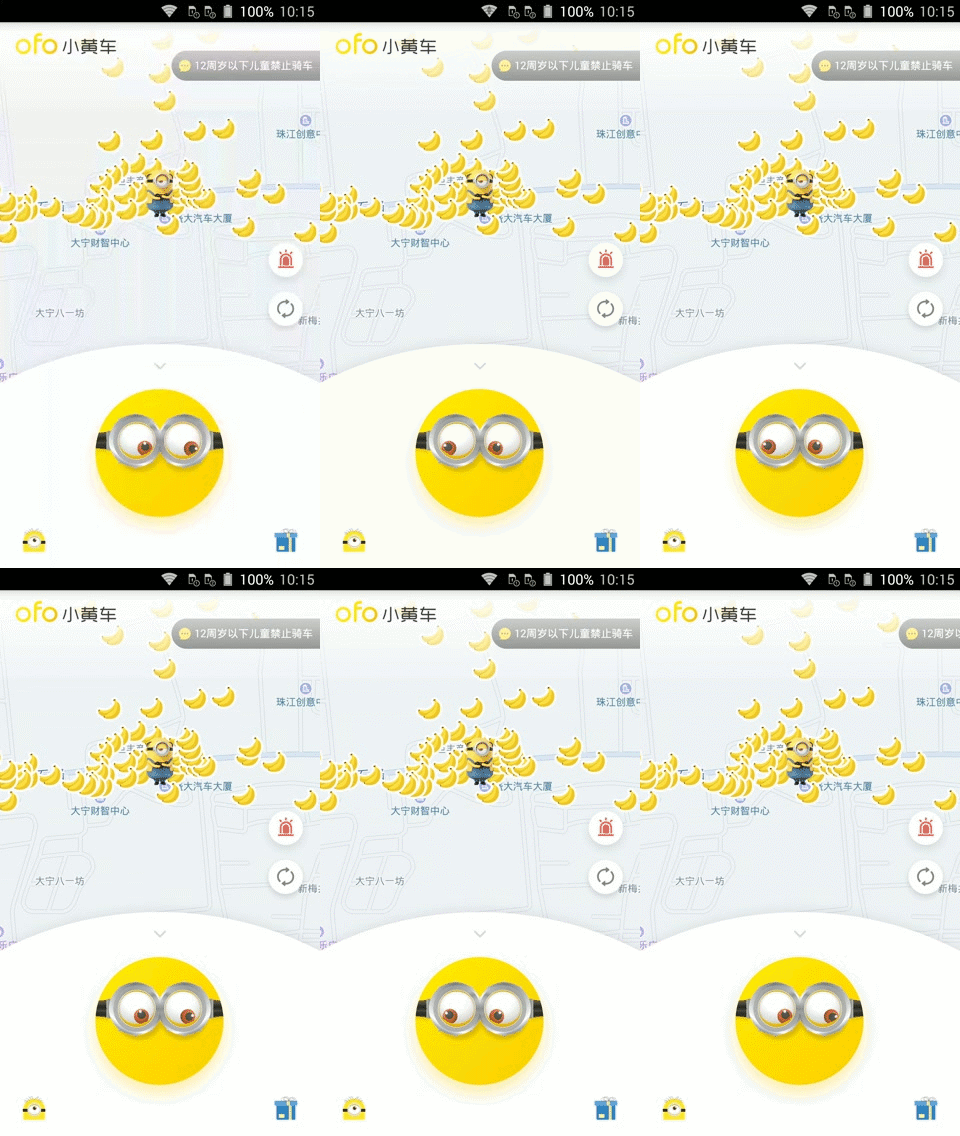
xamarin android实现效果: 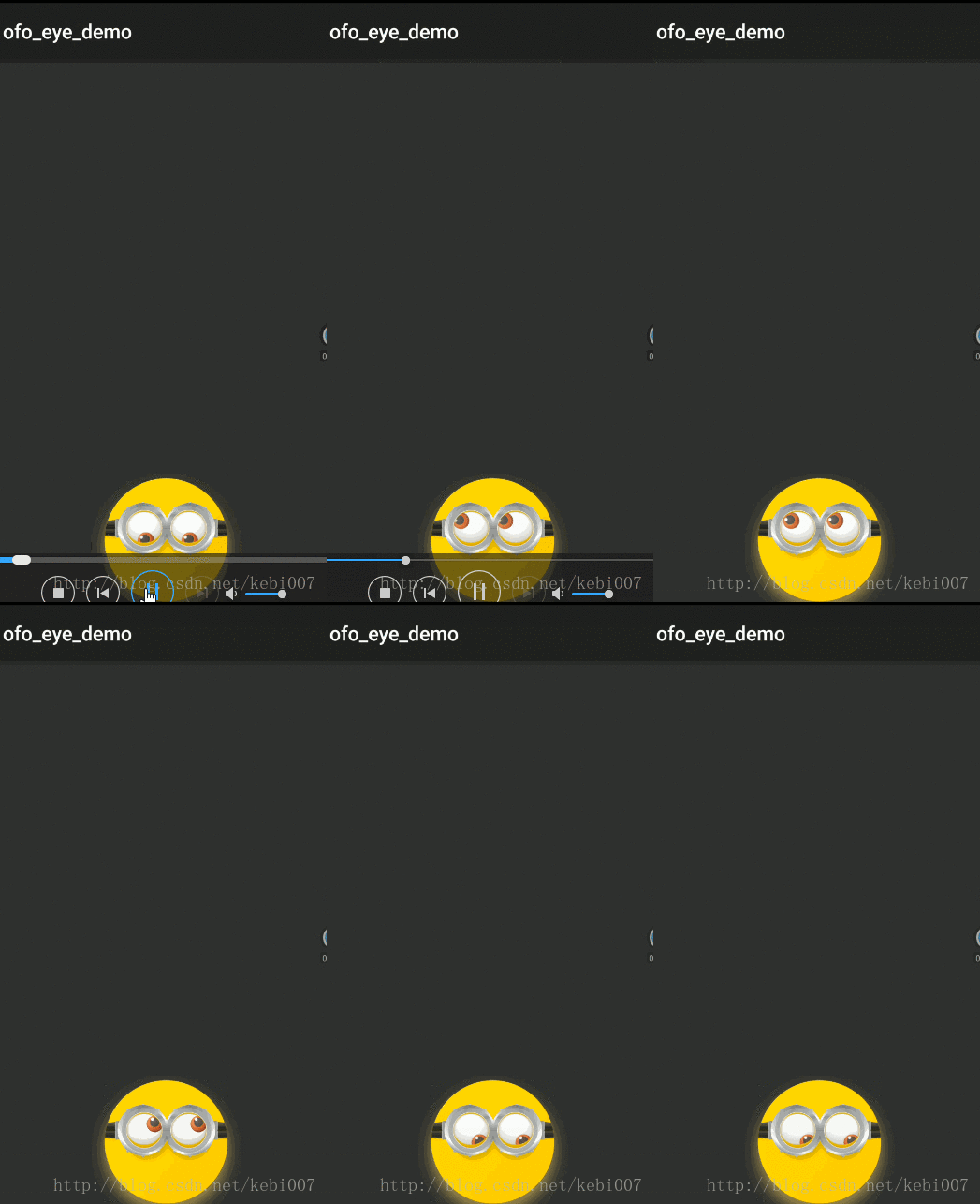
实现思路:
这个眼睛转动随加速度,使用的是FrameLayout图层叠加布局的,然后再进行dimen适配,随着加速度的变化,两个眼睛TranslationY方法进行View的移动。一下代码是在xamarin android下实现的,大概效果差不多,屏幕适配没弄。
素材图片:
github中自己复制吧:
先来看看MainActivity布局文件:
<?xml version="1.0" encoding="utf-8"?><RelativeLayout xmlns:android="http://schemas.android.com/apk/res/android" android:layout_height="wrap_content" android:layout_width="match_parent"> <FrameLayout android:layout_height="150dp" android:layout_width="150dp" android:layout_alignParentBottom="true" android:layout_centerHorizontal="true"> <ImageView android:layout_height="wrap_content" android:layout_width="wrap_content" android:src="@drawable/minions_btn_scan" /> <ImageView android:layout_height="@dimen/dimen18" android:layout_width="@dimen/dimen18" android:src="@drawable/nes" android:layout_marginTop="@dimen/dimen60" android:layout_marginLeft="@dimen/dimen54" android:layout_gravity="left" android:id="@+id/lefteye" /> <ImageView android:layout_height="@dimen/dimen18" android:layout_width="@dimen/dimen18" android:src="@drawable/nes" android:layout_marginTop="@dimen/dimen60" android:layout_marginRight="@dimen/dimen34" android:layout_gravity="right" android:id="@+id/righteye" /> <ImageView android:layout_height="wrap_content" android:layout_width="wrap_content" android:src="@drawable/minions_btn_scan_see" /> </FrameLayout></RelativeLayout>效果实现主要代码:
using Android.App;using Android.Widget;using Android.OS;using Android.Hardware;using Android.Views;using Android.Content;using Android.Runtime;using System;namespace ofo_eye_demo{ [Activity(Label = "ofo_eye_demo", MainLauncher = true, Icon = "@drawable/icon")] public class MainActivity : Activity,ISensorEventListener { private SensorManager sensorManager; private Sensor defaultSensor; private View lefteye, righteye; private float normalSpace, x, y; protected override void OnCreate(Bundle bundle) { base.OnCreate(bundle); SetContentView(Resource.Layout.Main); lefteye = FindViewById(Resource.Id.lefteye); righteye = FindViewById(Resource.Id.righteye); normalSpace = Resources.GetDimension(Resource.Dimension.dimen20); sensorManager = GetSystemService(Context.SensorService) as SensorManager; defaultSensor = sensorManager.GetDefaultSensor(SensorType.Accelerometer); /* Accelerometer = 1,//加速度 MagneticField = 2,//磁力 Orientation = 3,//方向 Gyroscope = 4,//陀螺仪 Light = 5,//光线感应 Pressure = 6,//压力 Temperature = 7,//温度 Proximity = 8,//接近 Gravity = 9,//重力 LinearAcceleration = 10,//线性加速度 RotationVector = 11,//旋转矢量 RelativeHumidity = 12,//湿度 AmbientTemperature = 13,//温度 */ } protected override void OnResume() { base.OnResume(); sensorManager.RegisterListener(this,defaultSensor,SensorDelay.Ui); } protected override void OnPause() { base.OnPause(); sensorManager.UnregisterListener(this); } public void OnAccuracyChanged(Sensor sensor, [GeneratedEnum] SensorStatus accuracy) { //throw new NotImplementedException(); } public void OnSensorChanged(SensorEvent e) { /* 加速度传感器说明: 加速度传感器又叫G-sensor,返回x、y、z三轴的加速度数值。 该数值包含地心引力的影响,单位是m/s^2。 将手机平放在桌面上,x轴默认为0,y轴默认0,z轴默认9.81。 将手机朝下放在桌面上,z轴为-9.81。 将手机向左倾斜,x轴为正值。 将手机向右倾斜,x轴为负值。 将手机向上倾斜,y轴为负值。 将手机向下倾斜,y轴为正值。 加速度传感器可能是最为成熟的一种mems产品,市场上的加速度传感器种类很多。 手机中常用的加速度传感器有BOSCH(博世)的BMA系列,AMK的897X系列,ST的LIS3X系列等。 这些传感器一般提供±2G至±16G的加速度测量范围,采用I2C或SPI接口和MCU相连,数据精度小于16bit。 */ if (e.Sensor.Type == SensorType.Accelerometer) { x -= 6.0f * e.Values[0]; y += 6.0f * e.Values[1]; //越界处理 if (x < -normalSpace) { x = -normalSpace; } if (x > 0) { x = 0; } if (y > 0) { y = 0; } if (y < -normalSpace) { y = -normalSpace; } lefteye.TranslationY = y; lefteye.TranslationX = x; lefteye.Rotation = x; righteye.TranslationX = x; righteye.TranslationY = y; righteye.Rotation = x; } }}}参考文章:http://blog.csdn.net/qq_28268507/article/details/74528637
代码并没有很多,下载:https://github.com/MaChuZhang/ofo-eye-demo
作者:张林
标题:几行代码实现ofo首页小黄人眼睛加速感应转动
原文地址:http://blog.csdn.net/kebi007/article/details/75035710
转载随意注明出处
版权声明
本文仅代表作者观点,不代表百度立场。
本文系作者授权百度百家发表,未经许可,不得转载。